Deleting a file takes one click, and the file disappears from every folder it appeared in. The bytes behind it move on a slower schedule. They stay readable on a disk somewhere until the space is reused, then survive in backup copies for weeks, and only leave the building when the drive holding them is retired years later. That gap between the click and the physical removal is where the cloud stops being a metaphor and becomes rows of hardware with a power bill.
Deleting removes the address first

A file system stores two things: the data itself and an index saying where the data sits. On Windows the index is the master file table; on Linux and macOS it lives in inodes. A delete command drops the entry from the index and marks those blocks as free space. The content stays exactly where it was until another file needs the blocks and overwrites them. This is why recovery tools can undelete a folder an hour after it vanished, and why a busy drive recovers less: the faster free space gets reused, the sooner the old bytes are gone for good.
Solid-state drives complicate the picture. TRIM commands and background garbage collection tell the drive which pages no longer hold live data, and the controller reclaims them on its own schedule. Wear leveling spreads writes across the whole chip, so no address maps to a fixed physical spot. On a healthy SSD, deleted data is often unreadable within minutes. On a hard drive, the same data can sit untouched for years.
The 30 day window and the 55 day one

Cloud services put a clock on all of this. Google Drive keeps trashed items for 30 days and then deletes them forever, and emptying the trash by hand skips the wait. Business accounts on Google Workspace get roughly 25 extra days, because an administrator can restore what a user removed. Microsoft 365 and Dropbox run similar windows, generally two weeks to a month.
After that the backup layer takes over. Providers snapshot their systems daily and keep rotating copies on separate media for weeks, so a file removed from live storage on a Monday can still sit in a Friday snapshot and in an off-site replica until the rotation overwrites both. That behavior is deliberate: backups exist to survive accidental deletion, so they resist deliberate deletion too. The realistic window for a truly removed cloud file is one to three months, counting the trash period and the backup rotation together, before it becomes unrecoverable.
When the drive itself retires
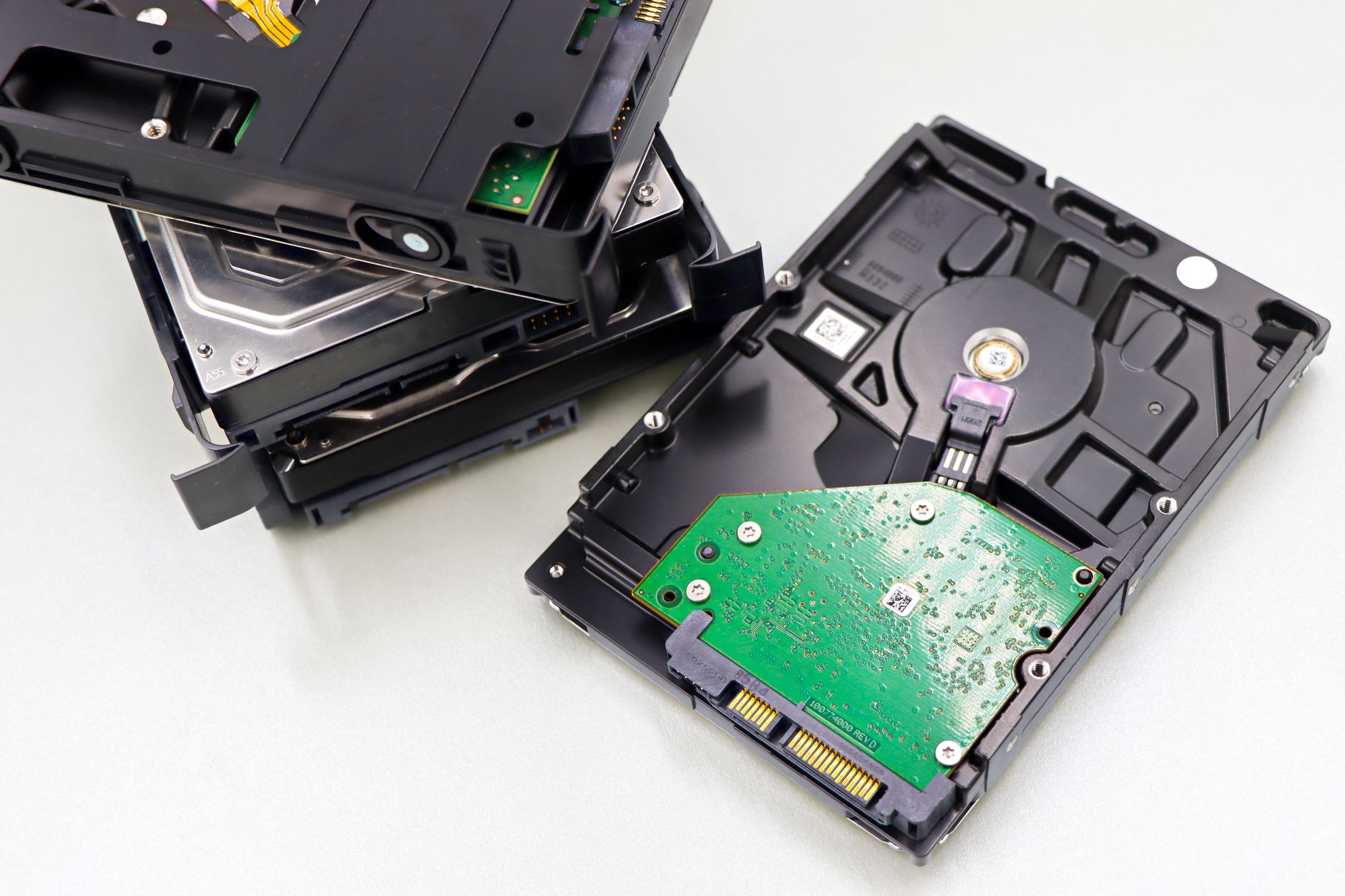
The final exit for old data is the retirement of the hardware that held it. Drives in large fleets now run well past the old three-year refresh cycle. Backblaze publishes failure statistics for roughly 344,000 hard drives, and its 2025 figures show a fleet-wide annualized failure rate of 1.36 percent and a lifetime rate of 1.30 percent; a 2025 reliability analysis of the same fleet found the worst failure peak arriving only at around ten years of service. Drives are commonly pulled while still healthy, during capacity upgrades, which means a retired disk can hold perfectly recoverable data on its way out of the rack.
Sanitization runs before disposal for exactly that reason. The U.S. National Institute of Standards and Technology publishes the standard the industry quotes, NIST SP 800-88 Rev. 2, which defines three levels. Clear overwrites data through the normal interface. Purge uses the drive’s own cryptographic erase or block-erase features so that recovery is infeasible even in a laboratory. Destroy means shredding, incinerating, or melting the media down to particles. Purge usually beats destroy on cost and material waste because the drive can be resold or reused afterward; destroy is the answer for failed drives and the strictest data classes. Enterprise disposers issue a certificate of sanitization per serial number, which is the audit trail proving the data left with the drive.
What old data costs while it waits
Every month in that intermediate state carries a power bill. The International Energy Agency puts global data centre electricity use at about 415 terawatt-hours in 2024, roughly 1.5 percent of world electricity, on a path to around 945 terawatt-hours by 2030 according to its Energy and AI report. Storage is a steady slice of that total. Cold data on spinning disks draws less power per byte than compute servers, but it draws something every hour of every year, plus cooling and the building around it.
Scale cuts both ways. A single 24 terabyte drive holds on the order of 3 million plain text documents, so written archives stay cheap. Video and photo libraries are what fill racks, and they’re what keep retired-from-view data consuming electricity long after the last edit. A household that clears out a dead cloud folder is freeing a few kilobytes of index and, eventually, a few blocks that some controller will reclaim. A company that expires a decade of project video is freeing terabytes that map to real disks in a real facility.
The timeline, then, is four stages. A file vanishes from view in seconds. It leaves user-facing storage in about a month. It leaves backup rotations within roughly a quarter. And it leaves the building only when the drive is sanitized and resold or shredded, which is measured in years. Anyone managing personal or company archives can shorten the middle of that schedule simply by deleting on purpose: old backups, expired shares, forgotten sync folders. The delete button works instantly on the interface and slowly everywhere else.